
Save the property brief
Guide palette, materials and furnishing direction across a project with Pro or Studio. Independently generated views still need review.
For property marketing agencies
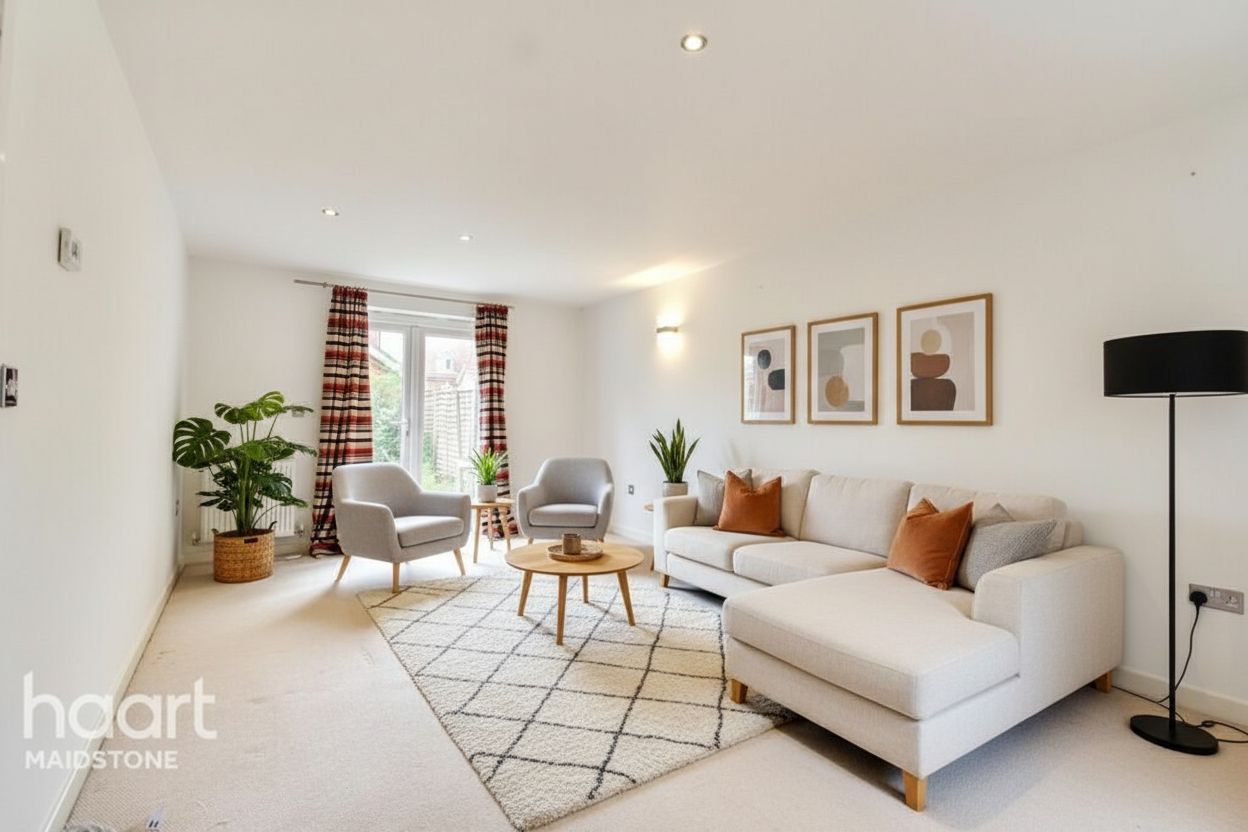
Stage property photos for sales and rental campaigns. Organize the furnishing direction around each client, review results, and prepare a clear handoff.
Free preview first · then US$ 1 · 3 days · 3 image credits · renews unless canceled
Property briefs on Pro and Studio
Batch photo uploads
Original/staged pairs
Studio branded delivery
Built around client delivery
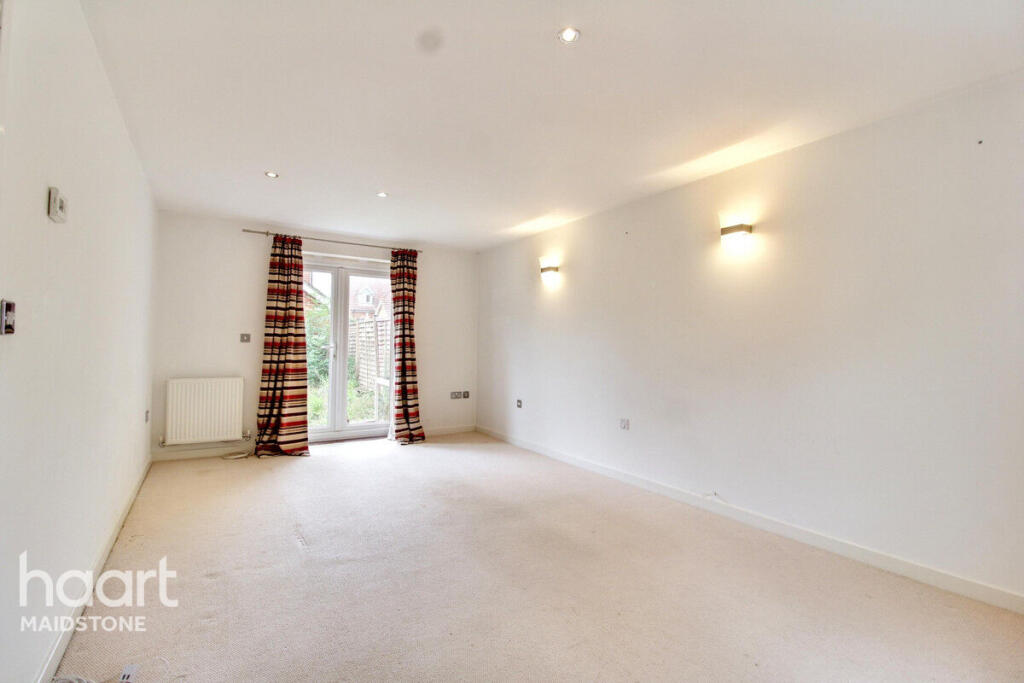
Keep the furnishing direction with the property and give clients the original alongside the staged result. Review each image before it goes into a campaign.
Guide palette, materials and furnishing direction across a project with Pro or Studio. Independently generated views still need review.
Upload up to 20 photos per Pro batch or 50 on Studio. Combine furniture removal with staging in one workflow.
Pro and Studio include original/staged pairs and 4K export options. Studio adds team access and branded delivery.
A three-step workflow
Step 1
Start with photographed rooms from the sales or rental campaign.
Step 2
Choose a style and use a saved property brief on Pro or Studio to guide the work.
Step 3
Compare architecture, fixtures and furniture scale with the original, then add the appropriate staging disclosure before publishing.
Questions before the click
Property Style Lock guides furnishing direction. It does not guarantee identical furniture in independently generated views.
Revision allowances depend on your plan. Check the in-app allowance and credit cost before submitting extra variations or separate jobs.
This workflow starts with property photos. It can show furnishing possibilities in photographed units, but does not replace architectural CGI or plans.
Next step
Preview a property photo first. Choose Pro or Studio when you need batch workflows and client delivery options.
Free preview first · then US$ 1 · 3 days · 3 image credits · renews unless canceled