
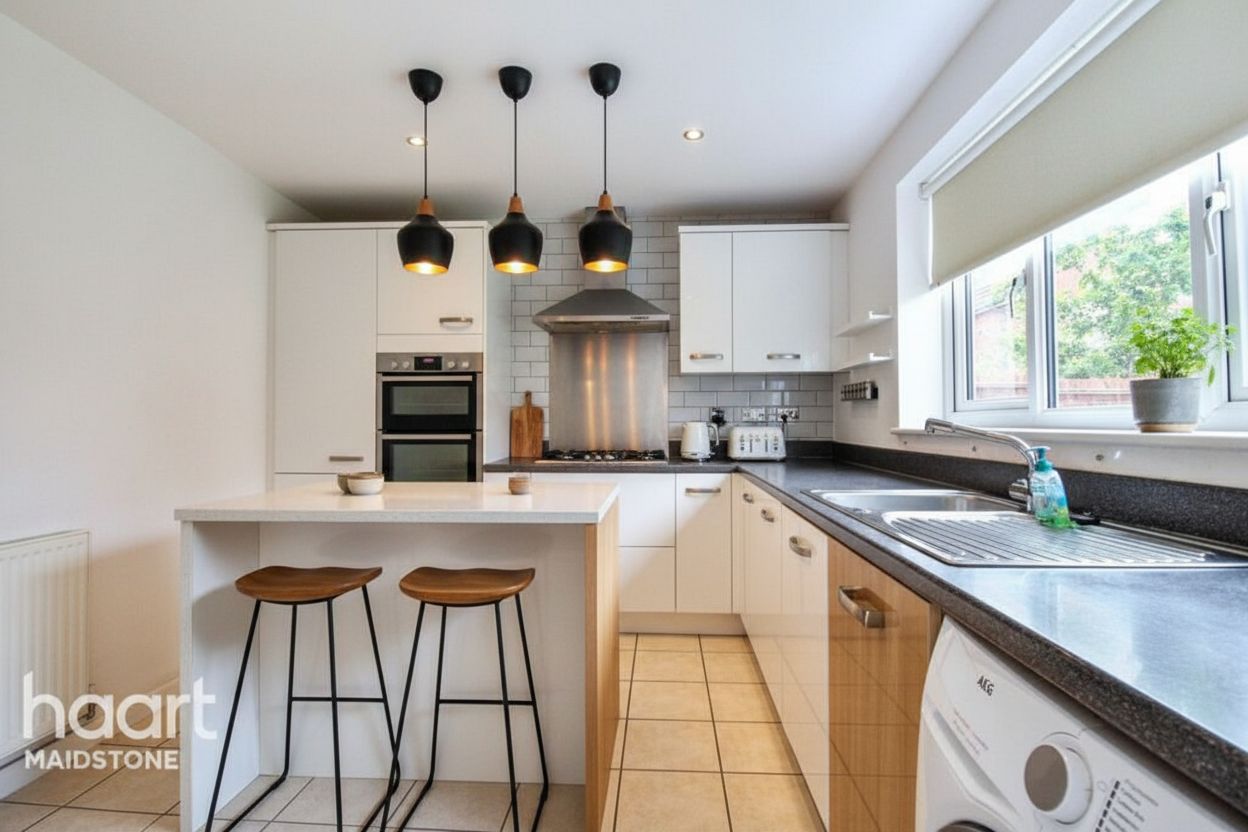
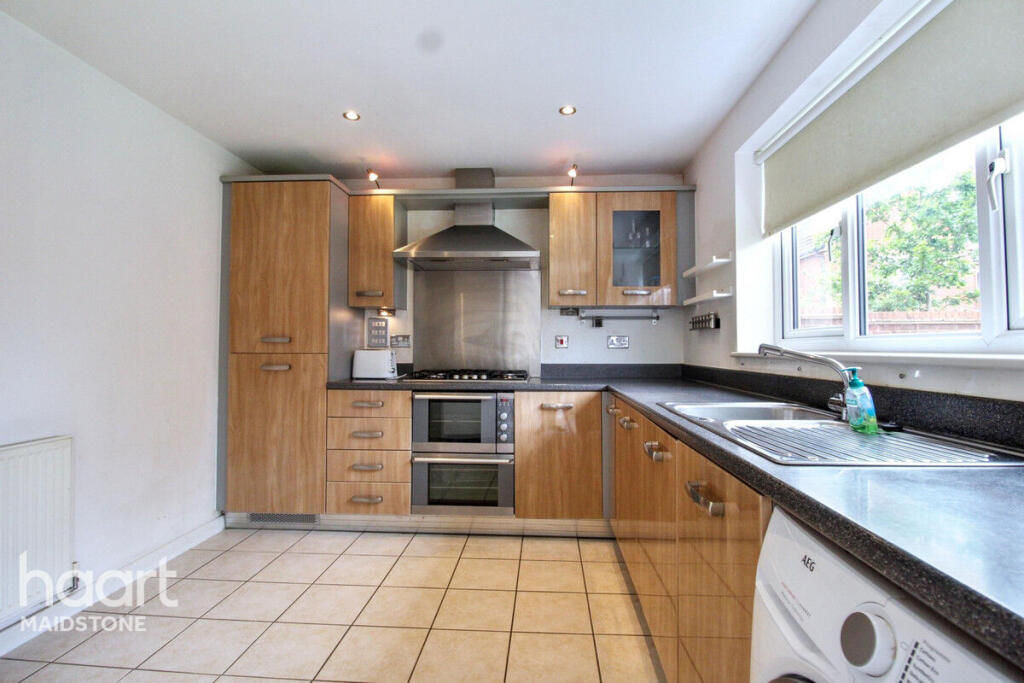
Surface updates
Explore paint, flooring, cabinet fronts, and countertops in their existing locations.
Virtual renovation
Visualize new paint, flooring, cabinet finishes, and countertops from a property photo. Review proposed cosmetic changes before planning physical work.
$1 · 3 days · 3 image credits · renews unless canceled
Cosmetic finishes
Layout preserved
Written edit instructions
Proposed-work disclosure
Cosmetic renovation concepts
Change visible surface finishes without moving walls, windows, doors, plumbing, or appliances. Outputs are proposed-work visualizations, not evidence of completed improvements.
Explore paint, flooring, cabinet fronts, and countertops in their existing locations.
Choose a style and describe the finishes you want to visualize.
Review the edited result and share it with a proposed-renovation disclosure.
A three-step workflow
Step 1
Choose Virtual renovation in the upload operation menu.
Step 2
Select a style and add optional material or color instructions.
Step 3
Compare the output with the original, request revisions, and export your selected result.
Questions before the click
No. This mode is for cosmetic finishes. It preserves the layout and structural elements.
No. Outputs visualize proposed changes and should be presented as renovation concepts.
Yes. Select Virtual renovation in batch upload and use the brief to describe the intended finish changes.
Next step
Upload a photo, choose Virtual renovation, and describe the finishes you want to see.
$1 · 3 days · 3 image credits · renews unless canceled