
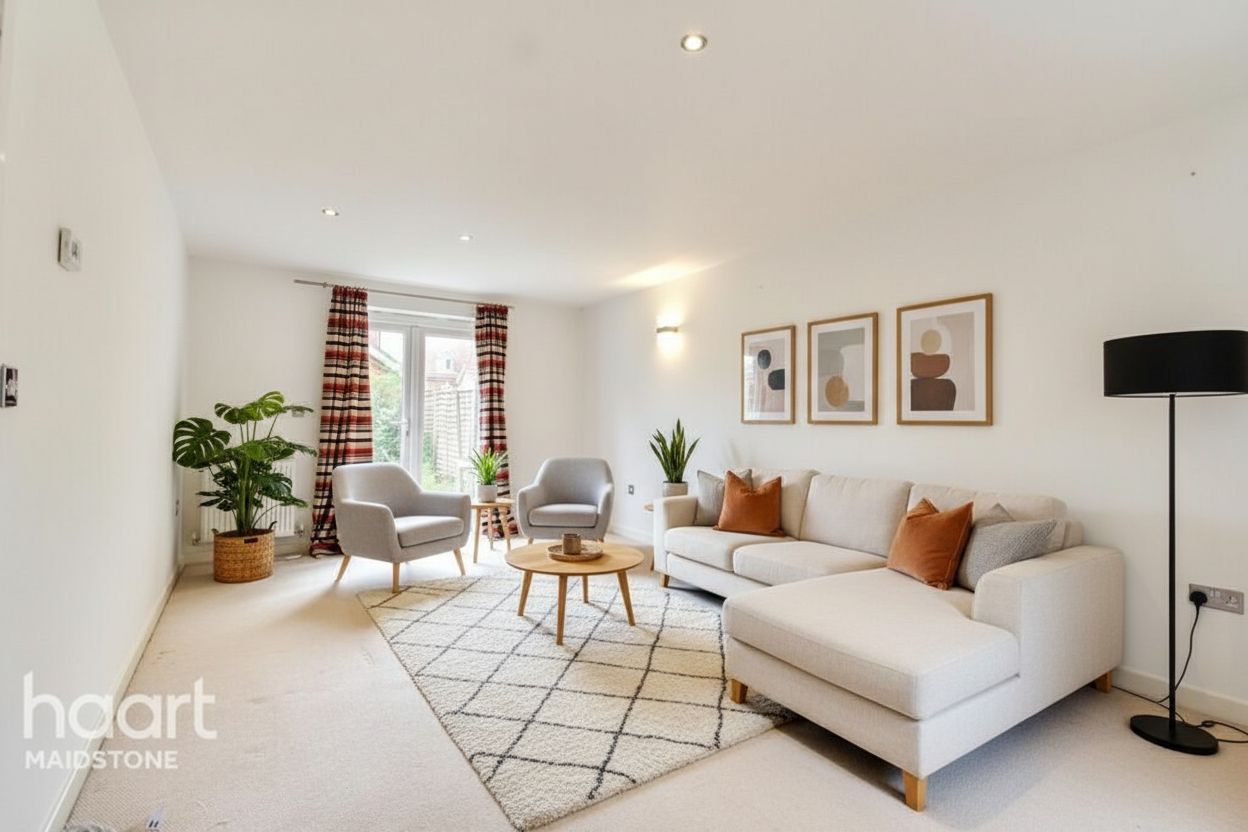
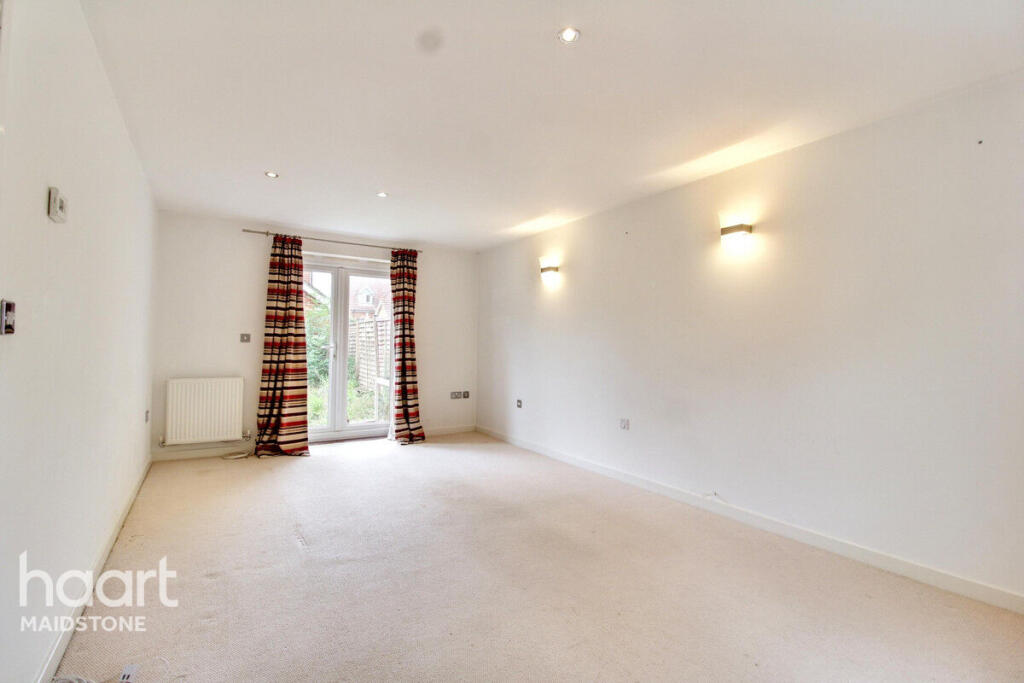
Create before publishing
Stage and review the photograph before it enters the broader listing workflow.
RoomStage and Zillow listing workflows
RoomStage is an image-production tool, not a listing portal. Use it to create disclosed virtual staging assets, then publish them through the channels your brokerage supports.
$1 · 3 days · 3 image credits · renews unless canceled
Creates listing imagery
Original retained
Watermark by default
Not affiliated with Zillow
Different jobs in the listing stack
There is no product equivalence to force here. RoomStage prepares the visual; Zillow and connected listing systems help buyers discover property listings.
Stage and review the photograph before it enters the broader listing workflow.
Retain the original next to the virtual result for review and disclosure.
Requirements can change. Verify the current rules for your MLS, brokerage, and publishing destination.
A three-step workflow
Step 1
Create and approve the virtual staging image in RoomStage.
Step 2
Keep the original and label materially edited imagery as required.
Step 3
Send the approved asset through your MLS, brokerage, or listing-management workflow.
Questions before the click
No. RoomStage is an independent virtual staging product and is not affiliated with or endorsed by Zillow.
Virtual staging is commonly used in listing marketing, but disclosure and image rules vary. Check the current requirements of your MLS, brokerage, and distribution platforms.
No. RoomStage creates the visual asset. Publishing remains in your existing MLS or listing workflow.
Next step
Create a disclosed virtual staging asset while keeping the original close at hand.
$1 · 3 days · 3 image credits · renews unless canceled