
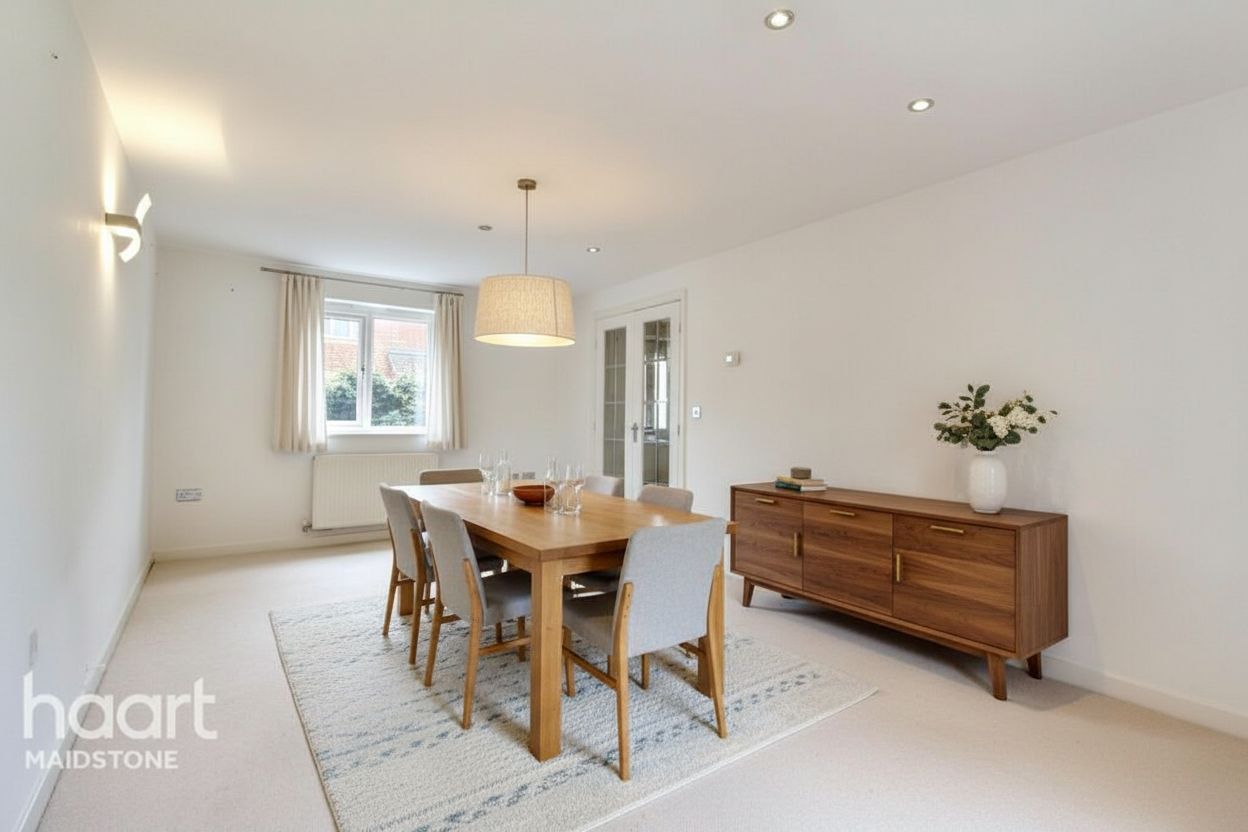
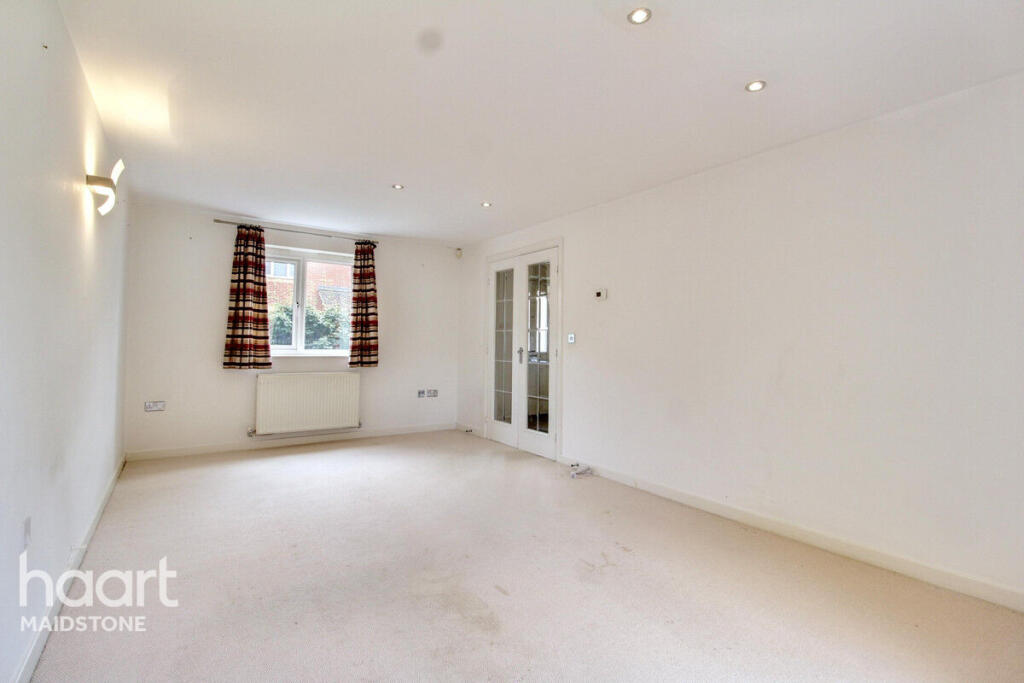
The rule follows the property
When a listing’s address or MLS market is in California, RoomStage applies the pairing whether or not you chose an MLS preset.
California AB 723
California’s AB 723 requires a disclosure and access to the original whenever a digitally altered image is used to advertise a property for sale. RoomStage exports each original next to its altered version and gives you a public page that shows both.
Free preview first · then $1 · 3 days · 3 image credits · renews unless canceled
Original with every export
Files named as a pair
Public original-photo page
Statement text supplied
In effect since 1 January 2026
Business and Professions Code section 10140.8 applies to brokers, salespeople and anyone acting for them. An advertisement with a digitally altered image needs a reasonably conspicuous statement on or next to the image saying it was altered, and a link, URL or QR code to a public page that includes and clearly identifies the original. This page is a summary, not legal advice.
When a listing’s address or MLS market is in California, RoomStage applies the pairing whether or not you chose an MLS preset.
Exports name each pair “original” and “digitally altered” with the same number, so the original sits directly before its altered version.
Each export includes a link to a page showing the original and the altered image side by side, each labelled, plus a statement to place on or next to the image.
A three-step workflow
Step 1
Give the listing its California address, or choose a California MLS market.
Step 2
Staging, furniture removal, declutter, restyling, renovation and day-to-dusk are treated as altered. Photo enhancement is not.
Step 3
The export contains both files for each photo, the public link and the disclosure text.
Questions before the click
The statute covers adding, removing or changing elements such as furniture, flooring, walls, paint, landscaping and views. It excludes common adjustments such as lighting, sharpening, white balance, colour correction, cropping and exposure that do not change how the property is represented.
The statute does not address sky replacement. RoomStage treats day-to-dusk as altered because it changes the sky and adds light from windows, which is the cautious reading.
That is an MLS rule, not the statute. CRMLS requires the original immediately before or after the altered image, and San Diego MLS requires it adjacent in the photo sequence. RoomStage’s file naming keeps the two together.
No. It provides the public page and its URL. You can make a QR code from that URL with any QR tool.
No. It is included on every plan.
RoomStage gives you the original, the label, the public page and the statement text. Placing them in each advertisement is the licensee’s responsibility; check with your broker and MLS.
Next step
Set the listing’s California address and export: the pairs, the public page and the disclosure text come with it.
Free preview first · then $1 · 3 days · 3 image credits · renews unless canceled