
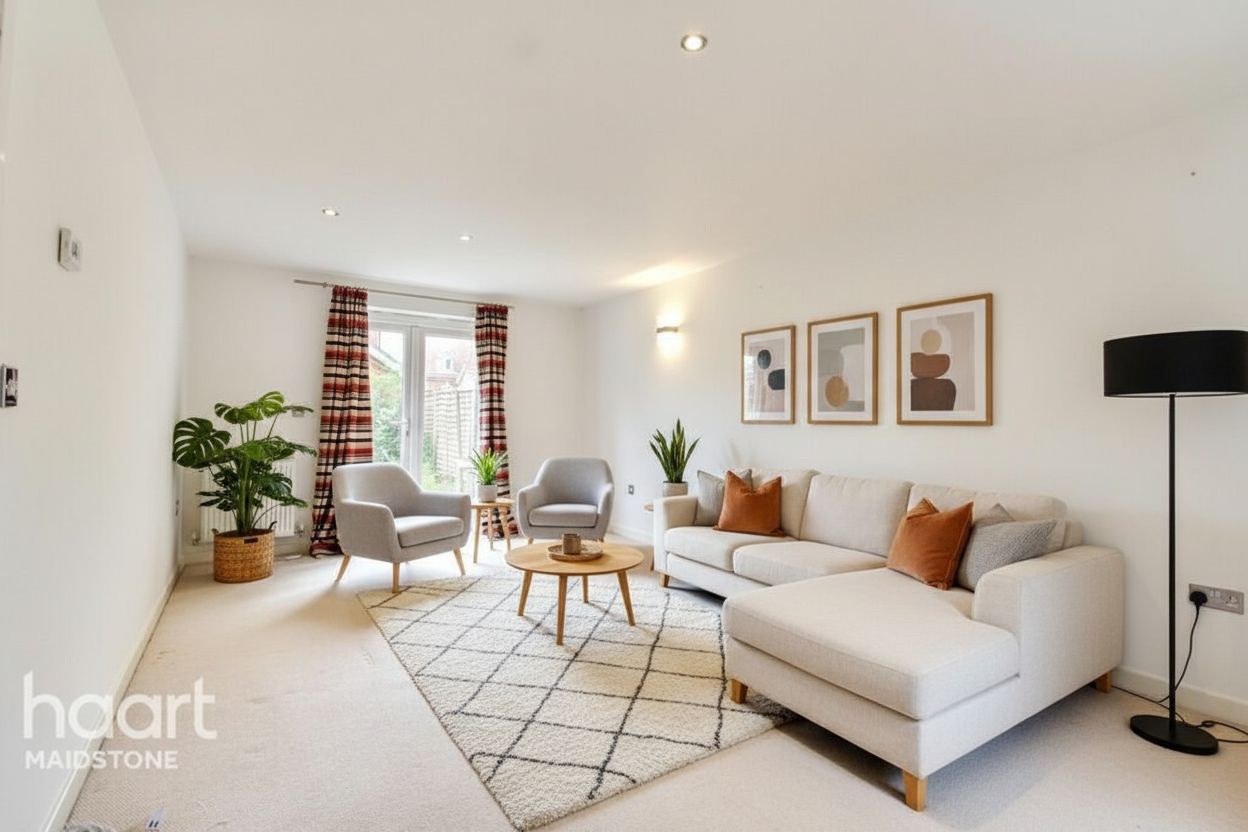
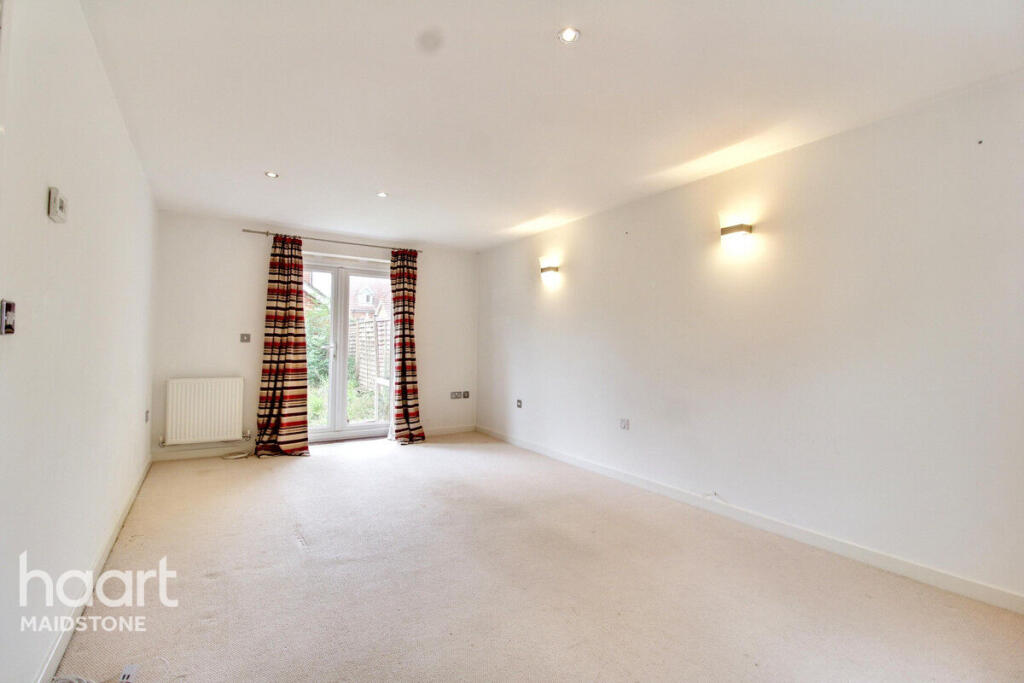
Only the loose items
Clutter and personal items come out. Presentable furniture keeps its exact position.
Declutter listing photos
Remove loose clutter and personal items from a listing photo. The furniture stays exactly where it is, and nothing is added.
$1 for 3 images over 3 days · any tool · renews unless canceled
Loose clutter removed
Furniture stays in place
Nothing added
Edit disclosed
Try it on your own photos
The free demo runs virtual staging, photo enhancement and day to dusk. It does not run decluttering, so the honest way to try it is the $1 trial: use any of your 3 trial images on decluttering.
Start your $1 trial: 3 images$1 for 3 images over 3 days, then your selected monthly plan unless you cancel. Creating your account is free; you pay at checkout.
One credit = one photo with any tool, plus 2 free re-runs or edits.
What it does not do: It does not empty or restage the room.
For occupied homes
Most listing photos are taken in homes people still live in. Declutter removes the loose items a seller did not clear, such as papers, toys, cables and countertop clutter, and leaves the room, its furniture and its finishes alone.
Clutter and personal items come out. Presentable furniture keeps its exact position.
Declutter does not empty the room or add furniture. Use furniture removal or virtual staging for that.
Compare against the original. Each photo includes 2 free re-runs or edits, so you can ask for one more item to go.
A three-step workflow
Step 1
Choose Declutter as the tool when you upload.
Step 2
Optionally name the items to remove, or leave it to the default.
Step 3
Check the result against the original and export it with the edit disclosed.
Questions before the click
No. It removes loose clutter and personal items only. To empty a furnished room, use furniture removal.
One credit per photo, the same as every other RoomStage tool, on every plan.
The free demo runs virtual staging, photo enhancement and day-to-dusk. Declutter needs an account; any trial image can be used on it.
Removing objects from a listing photo is a digital alteration under most MLS rules and under California AB 723. RoomStage keeps the original and labels the edited file so you can show both.
Next step
Upload the photo, choose Declutter and review the result against the original.
$1 for 3 images over 3 days · any tool · renews unless canceled