
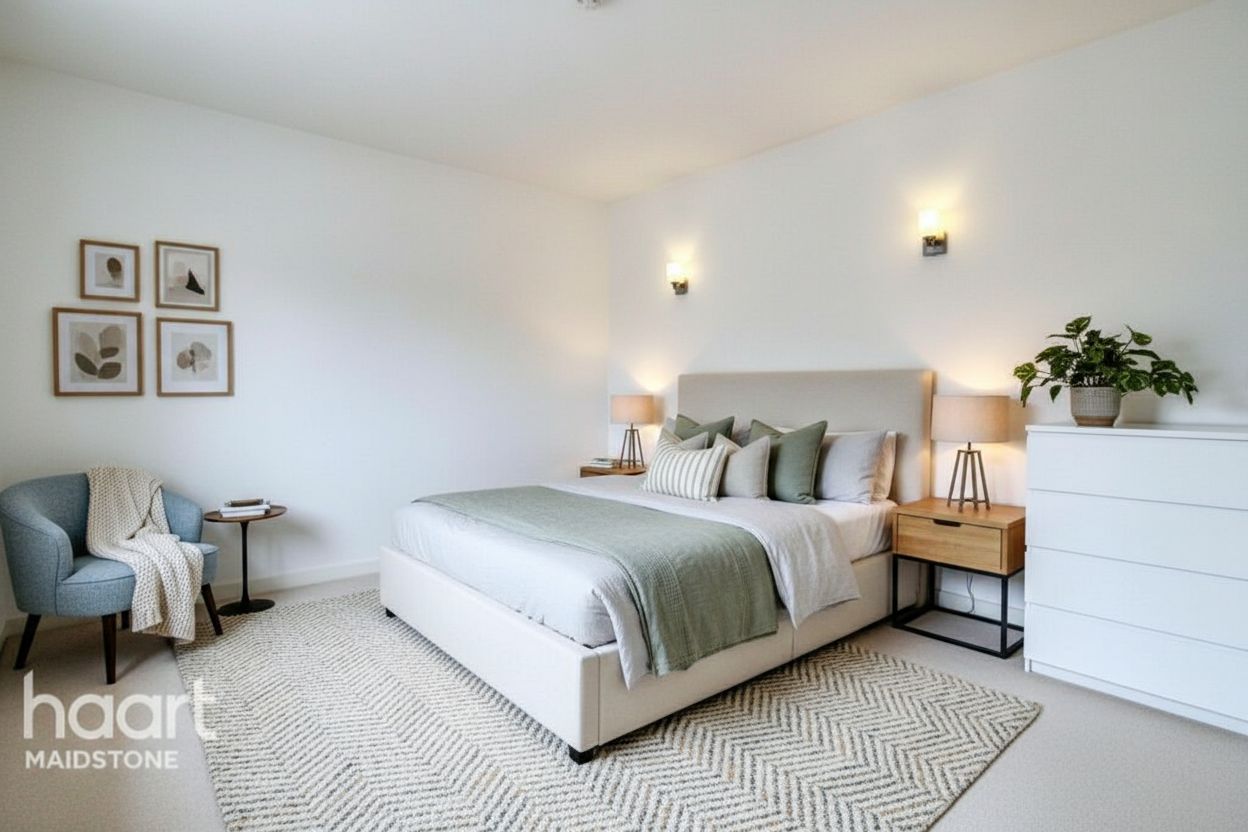
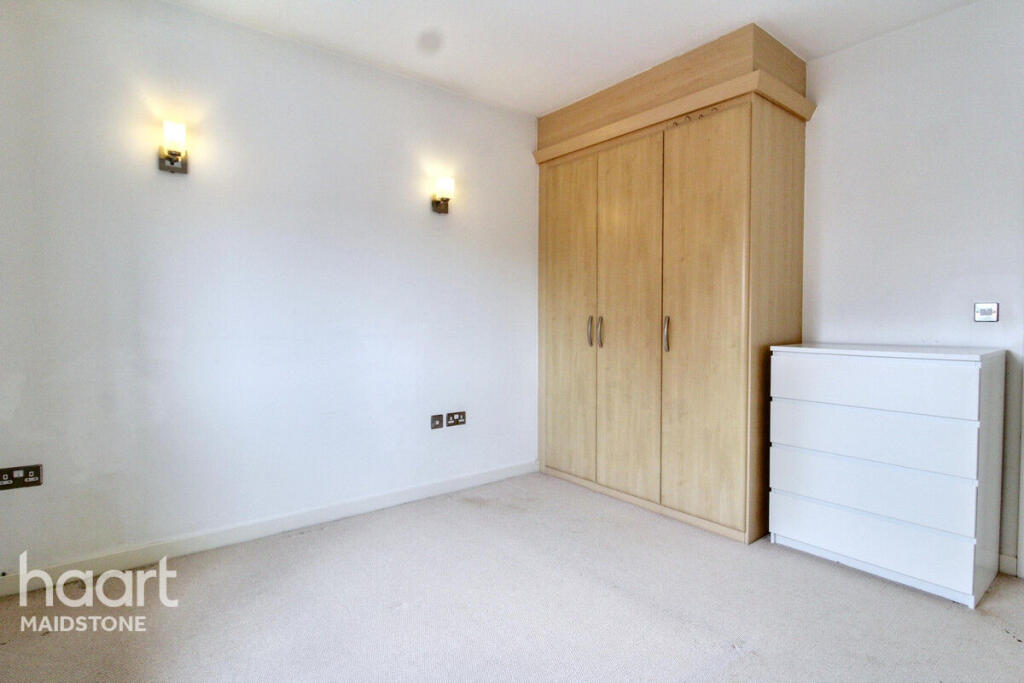
One step, not two
No need to remove the furniture first and stage afterwards. Restyling replaces it in a single edit.
Virtual restyling
Replace the furniture and decor in a furnished room with a different style. Walls, floors, fixtures, windows and layout stay as they are.
$1 for 3 images over 3 days · any tool · renews unless canceled
Furniture and decor replaced
Finishes unchanged
Layout unchanged
Edit disclosed
Try it on your own photos
The free demo runs virtual staging, photo enhancement and day to dusk. It does not run restyling, so the honest way to try it is the $1 trial: use any of your 3 trial images on restyling.
Start your $1 trial: 3 images$1 for 3 images over 3 days, then your selected monthly plan unless you cancel. Creating your account is free; you pay at checkout.
One credit = one photo with any tool, plus 2 free re-runs or edits.
What it does not do: It does not change materials, fixtures, views or the layout.
For furnished listings
Virtual staging furnishes an empty room. Restyling starts from a furnished one: it swaps the movable furniture and decor for the style you pick and leaves everything permanent alone.
No need to remove the furniture first and stage afterwards. Restyling replaces it in a single edit.
Pick from the styles virtual staging offers, so restyled and staged rooms in one listing match.
Materials, fixtures, views through windows and the layout are not changed.
A three-step workflow
Step 1
Choose Restyling as the tool when you upload.
Step 2
Choose the furnishing style, and add a note if you want something specific.
Step 3
Compare against the original and export the result with the edit disclosed.
Questions before the click
Staging adds furniture to an empty room. Restyling replaces the furniture and decor already in a furnished room.
No. Finishes are not changed. Virtual renovation is the tool for paint, flooring, cabinet finishes and countertops.
One credit per photo, the same as every other RoomStage tool, on every plan.
The free demo runs virtual staging, photo enhancement and day-to-dusk. Restyling needs an account; any trial image can be used on it.
Next step
Upload the photo, choose Restyling and a style, and review the result against the original.
$1 for 3 images over 3 days · any tool · renews unless canceled