
Fits your MLS limit
Choose a cap of 500, 1,000 or 2,000 characters for the description, or leave it uncapped for about 150 to 200 words.
Listing description generator
RoomStage writes a headline, an MLS description and three social captions from a listing’s original photos and the facts you enter. It is included with every account and uses no credits.
Free preview first · then $1 · 3 days · 3 image credits · renews unless canceled
MLS description
Headline
Three social captions
Fair housing check
Copy you can check
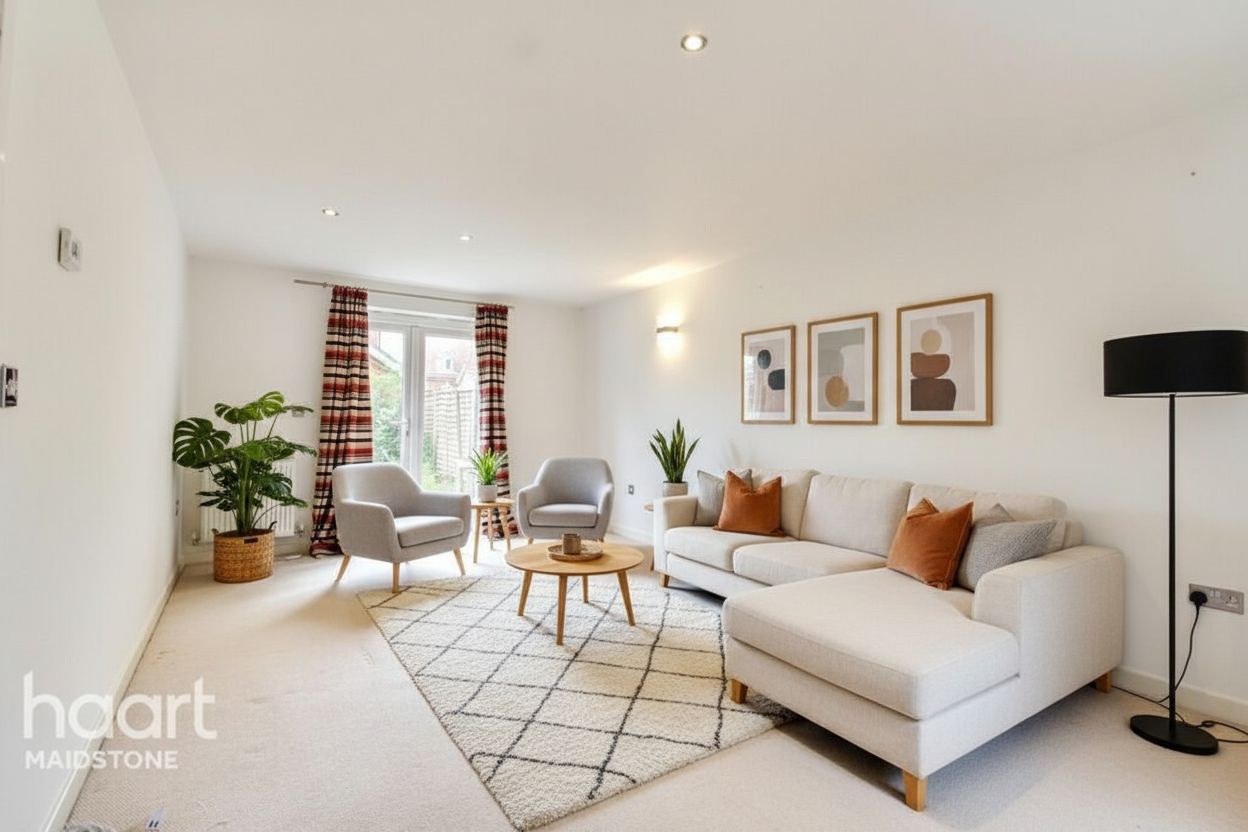
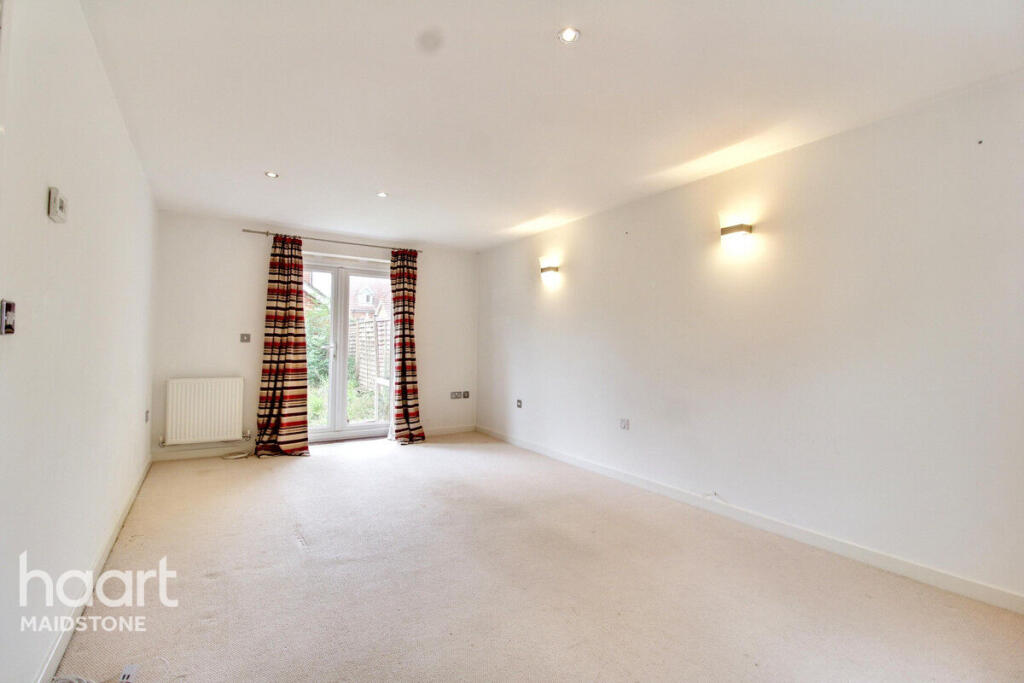
Staged furniture does not exist, so staged photos are never sent to the writer. It reads the original photos and the facts you type, leaves out anything neither supports, and lists what it took from the photos so you can verify it.
Choose a cap of 500, 1,000 or 2,000 characters for the description, or leave it uncapped for about 150 to 200 words.
The draft and your own edits are checked for wording that describes people instead of the property. Flagged phrases are shown for you to change.
Every field is editable and saved with the listing. Pick a neutral, warm or luxury tone and write again if you want another draft.
A three-step workflow
Step 1
Listings group a property’s photos. The writer is on the listing page.
Step 2
Beds, baths, square feet, year built, features and neighbourhood notes. Leave blank what you do not know.
Step 3
Check the draft against the photo details it lists, edit it, and copy each field where you need it.
Questions before the click
Nothing extra. It is included with every RoomStage account and uses no credits. There is a fair-use limit of 30 drafts a day.
It is instructed to leave out any fact you did not supply and a photo does not plainly show, and it flags checkable claims it cannot support. It is still a draft: read it before you publish it.
Not unless you turn that on. By default the copy names the city and state only.
No. Only original photos are used, and the writer is told not to describe furniture or decor as part of the home.
No. It is a wording check against common Fair Housing Act problem phrases. You and your broker remain responsible for the listing.
Next step
Create a listing, add its photos and facts, and get a description, a headline and captions to edit.
Free preview first · then $1 · 3 days · 3 image credits · renews unless canceled